
Finance AI Workflows: From One-Off Prompts to Routine

Key takeaways
- Where prompting stalls: A one-off prompt gets one answer, then the next month starts from scratch, often with a different definition of the same number.
- What makes a workflow: AI that sits where the work happens, already knows the context and runs on the same governed data every time.
- Why the data comes first: AI is only as trustworthy as the definitions, permissions and source traceability underneath it.
- The session: Steven Goyne shows how AI works across Datarails, with real examples of finance workflows built on trusted data.
It’s the first week of the November close. An analyst exports the October P&L, pastes it into a chatbot and asks why marketing spend jumped. After twenty minutes of explaining which accounts count as marketing and which entity is which, she gets a decent answer.
In December she does it all again. Same question, same pasting, same explaining. This time the answer uses a slightly different definition of marketing spend, and nobody notices until the numbers don’t match last month’s commentary.
| Task | As a one-off prompt | As a workflow in Datarails |
|---|---|---|
| Explain a jump on a dashboard chart | Export the data, paste it in, describe the chart | Ask from the chart itself. Widget AI already knows its definition and filters |
| Explain reconciliation variances at close | Paste balances, explain each account | Flux Analysis in Month-End Close quantifies the movements and drafts the report |
| Build a new report | Describe the columns, then rebuild it in Excel | Custom Data Report confirms what you need and builds a report that opens in Excel |
| Check departmental overspend every Monday | Remember to ask, every Monday | A Custom Agent runs on schedule and leaves the result ready |
Illustrative example.
The AI in the left column isn’t the problem. The problem is that nothing carries over: not the context, not the definitions, not the work.
Why one-off prompts don’t become finance AI workflows
A general-purpose AI tool starts every conversation knowing nothing about your business. It doesn’t know what your metrics mean, which calculation is the official one, how your entities roll up, or what each person is allowed to see. So someone has to tell it, every time, and every retelling is a chance for the definition to drift.
That’s fine for a quick question. It doesn’t hold up for work that repeats every month, feeds a board pack or has to match what was reported last quarter. Finance needs the answer to be the same answer next month, with a trail back to the source.
How AI works across Datarails
In Datarails, AI comes in three layers, all running on the same foundation.
- AI Assistant. An assistant that works across the Datarails experience and can use the context of the screen you’re on and your financial data.
- Inflow Agents. Specialist agents that sit exactly where a specific job happens and are triggered with one click. Flux Analysis explains reconciliation variances during close. Widget AI answers questions about a dashboard chart. Custom Data Report builds a report you can open straight in Excel.
- Custom Agents. Customer-specific AI workers built by Datarails’ Forward-Deployed Financial Engineers (FDFEs) around your own processes. They can run on a schedule, so recurring checks get done without anyone remembering to start them.
The difference from the prompt-and-paste routine is that the context is already there. The agent knows which screen you’re on, which report you’re building and which definitions apply, so the work starts where you left it.
See Steven Goyne walk through real AI-powered finance workflows in Datarails, live, in our FinanceOS webinar.
Repeatable finance AI workflows need governed data
Every one of those layers works from FinanceOS®, the governed foundation underneath Datarails. FinanceOS brings finance and operating data together, and its semantic layer holds one definition of each metric, so AI uses the same meaning of revenue or marketing spend every time. AI also works within each user’s permissions, so it only sees what that person is allowed to see.
That’s what lets a finance team trust the output enough to reuse it. And the team stays in charge: AI reads your data for analysis, its outputs are drafts you can review, edit or discard, and your data isn’t used to train AI models.
See it live on Nov 11
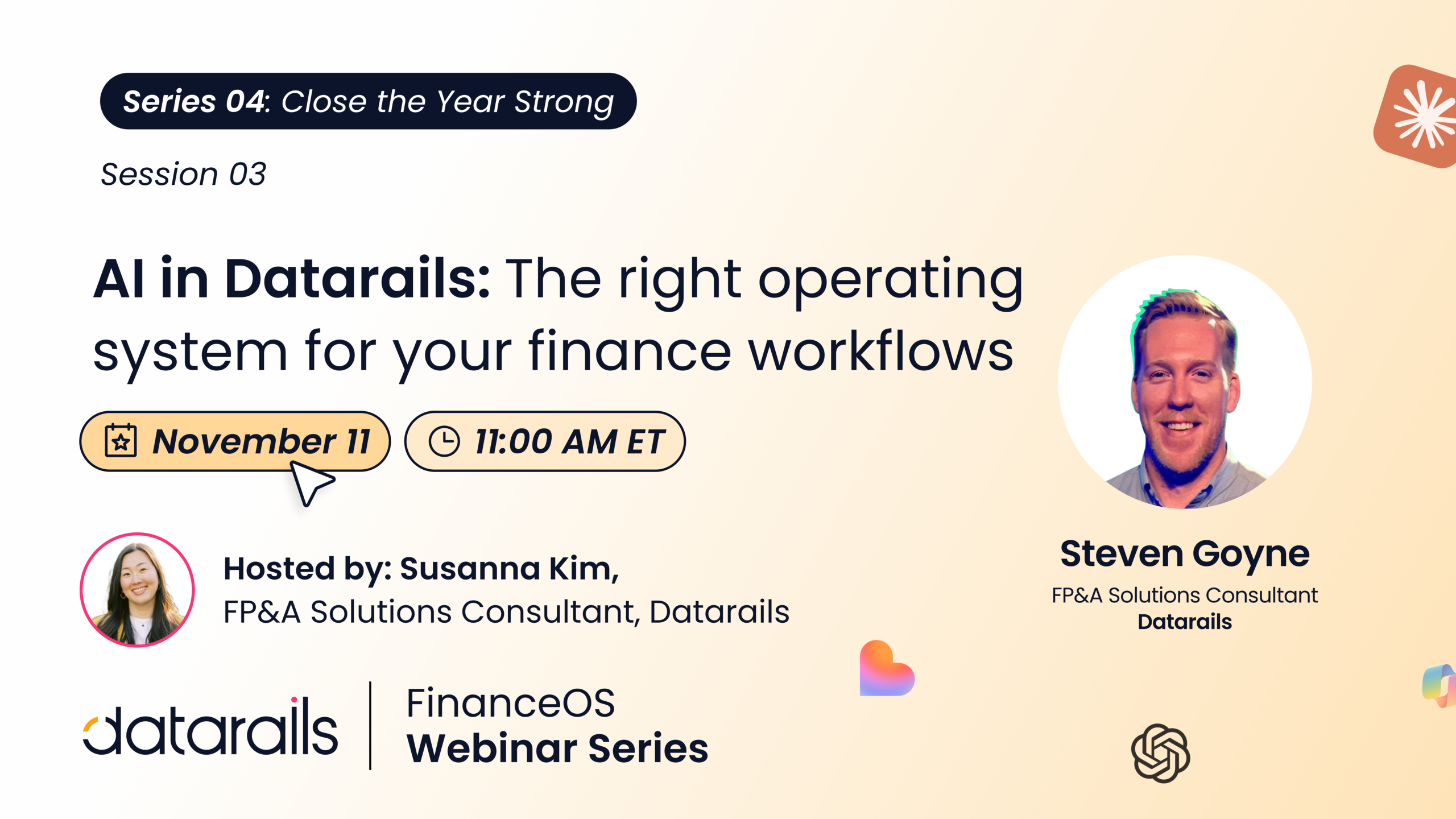
In AI in Datarails: The right operating system for your finance workflows, Steven Goyne, FP&A Solutions Consultant at Datarails, shows how trusted financial data and context come together to help finance teams move from questions to action. You’ll leave with:
- How AI works across the Datarails experience
- Real examples of AI-powered finance workflows
- Why trusted, governed data matters for finance AI
- How to move from one-off prompts to repeatable workflows
Nov 11 · 11 AM ET · Live online
It’s the third session of Close the Year Strong, our four-part year-end series. Missed headcount planning or year-end automation? Watch them on demand. Next: the Q4 re-forecast and the board conversation (Nov 18).
Back to the November close
Run the same analyst through December with the work set up as workflows. She opens the dashboard, asks Widget AI about the marketing jump from the chart itself, and gets an answer using the same definition as last month. The variance explanation for close is drafted in Month-End Close, ready for her review.
The question takes minutes instead of twenty, and the commentary matches what was reported before.
Session 3 of Close the Year Strong, Nov 11 · 11 AM ET